For people looking for meals
- Trusted messes were hard to find in one place.
- Plans, menus and prices were hard to compare.
- Recurring meals meant repeating the same search.
01Code
02Creativity
04Consulting
MessMeals connects people with trusted local messes, and gives mess owners one app to manage menus, customers, deliveries and revenue.
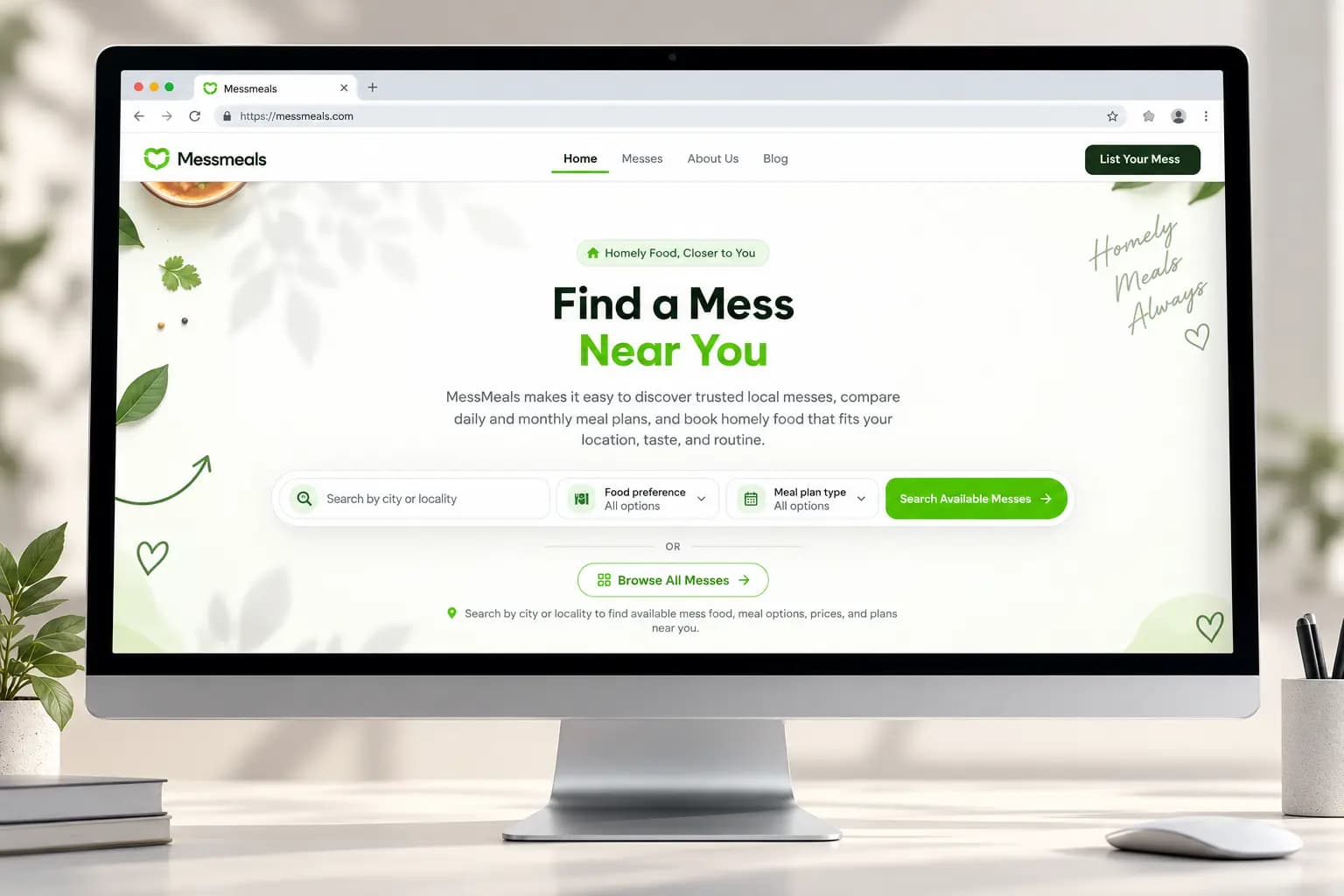
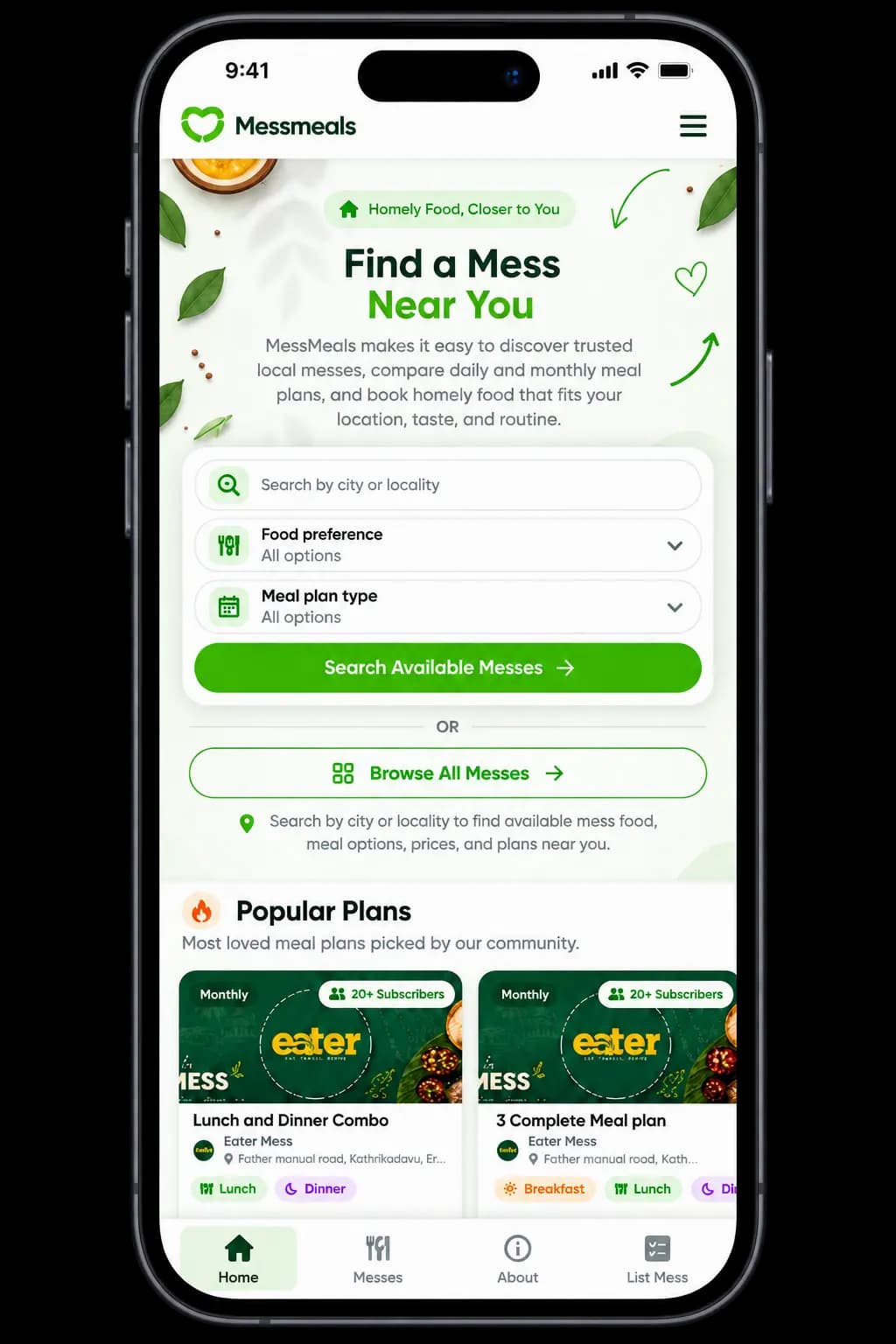
One platform for customers and mess owners.
Breakfast, lunch and dinner options per mess.
MessMeals Admin is on Google Play and the App Store.
Local messes and everyday homely food.
Good local messes were spread out, and the people running them were managing everything by hand. The platform had to serve both sides without making either one wait.
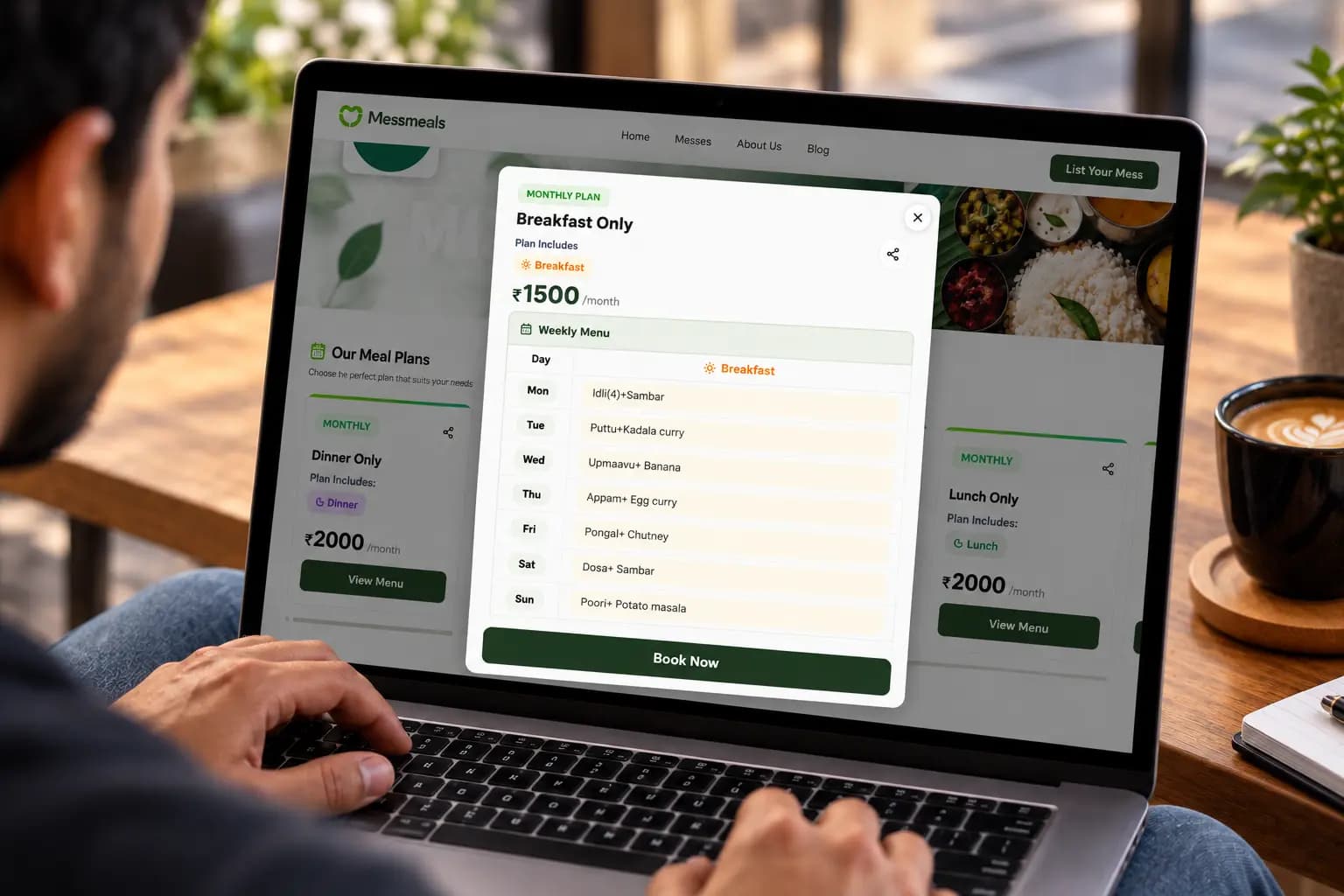
Customers get a website to find and choose meals. Owners get an app to run the business behind them.
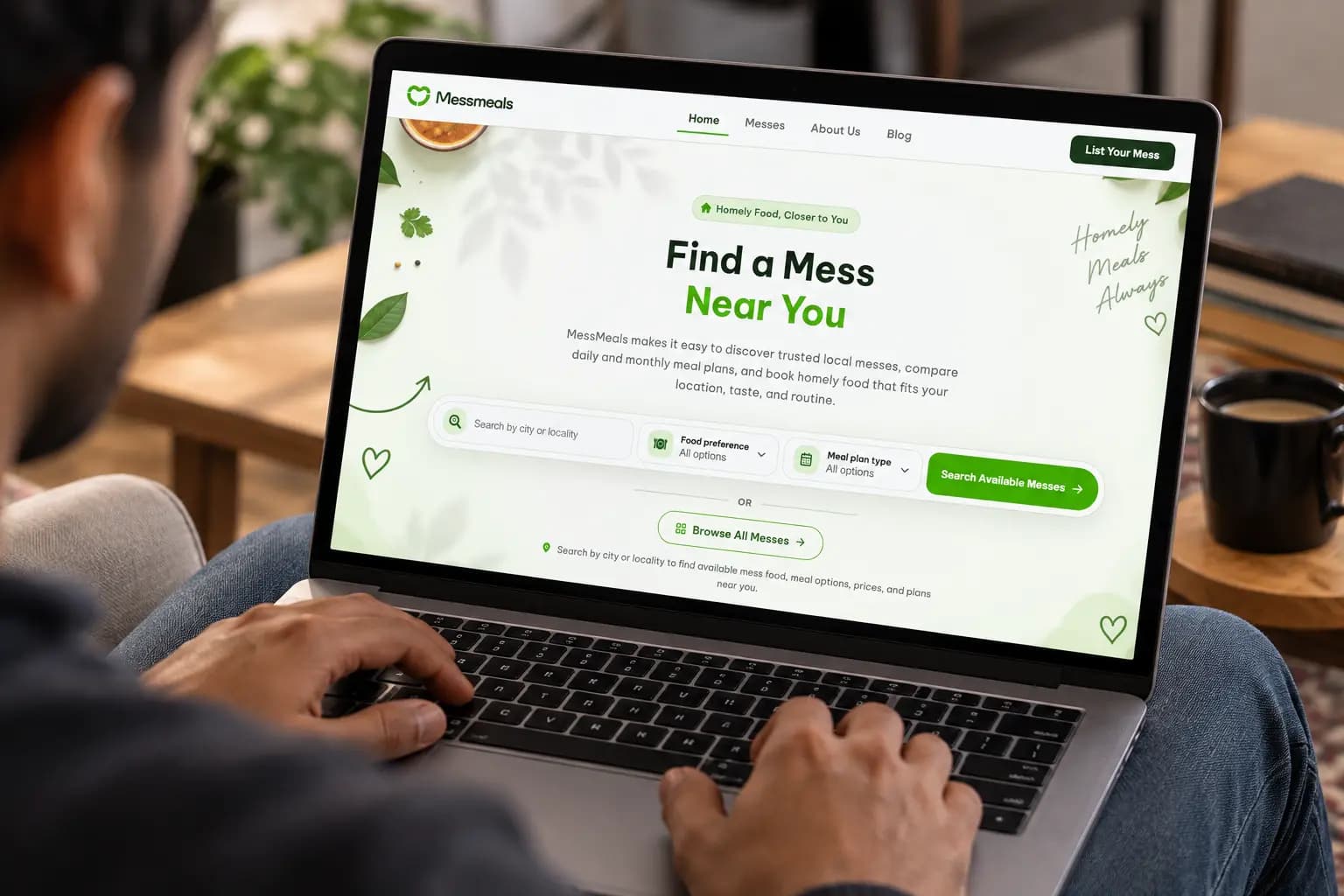
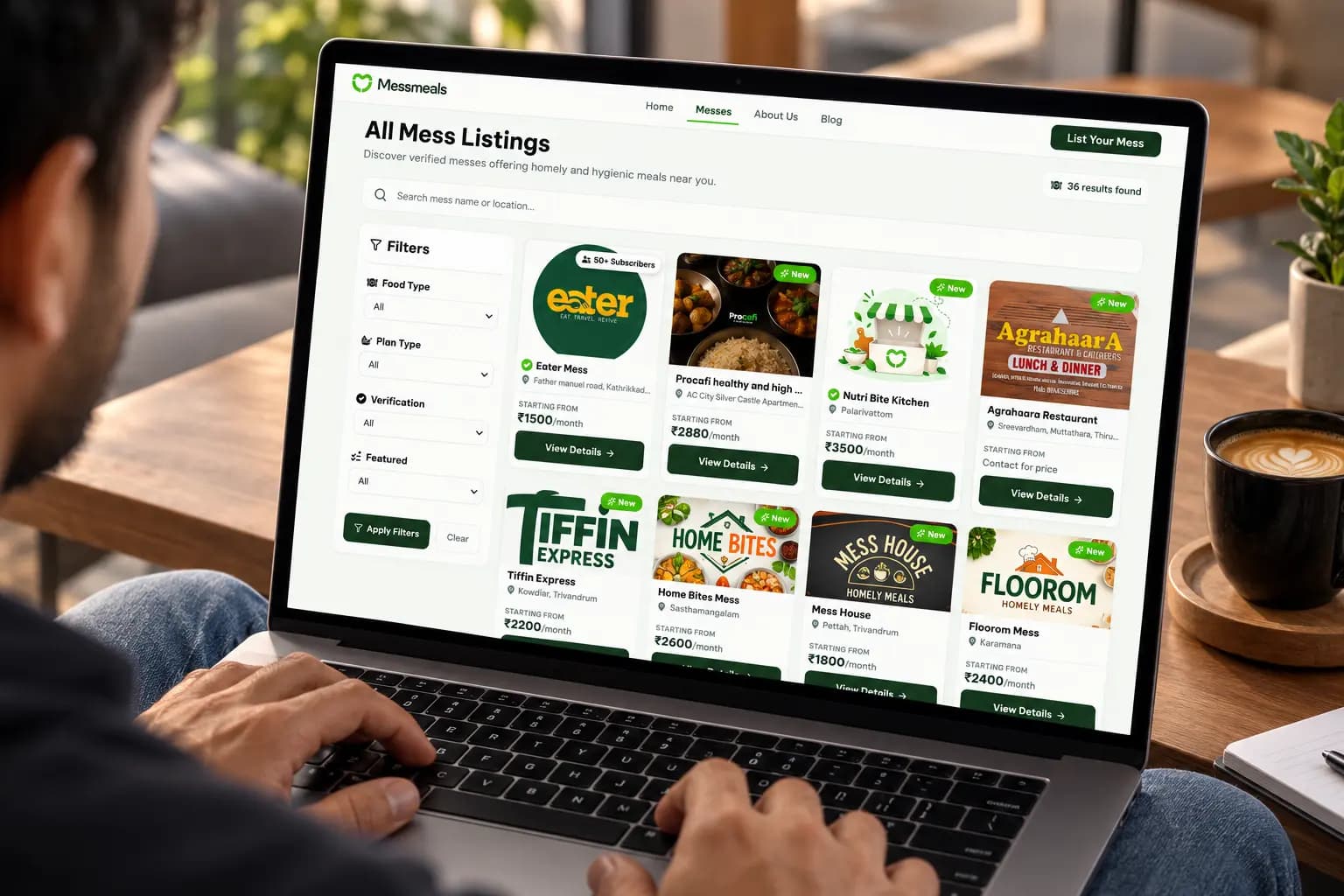
Find meals that feel like home. Search, compare and book from any screen size.
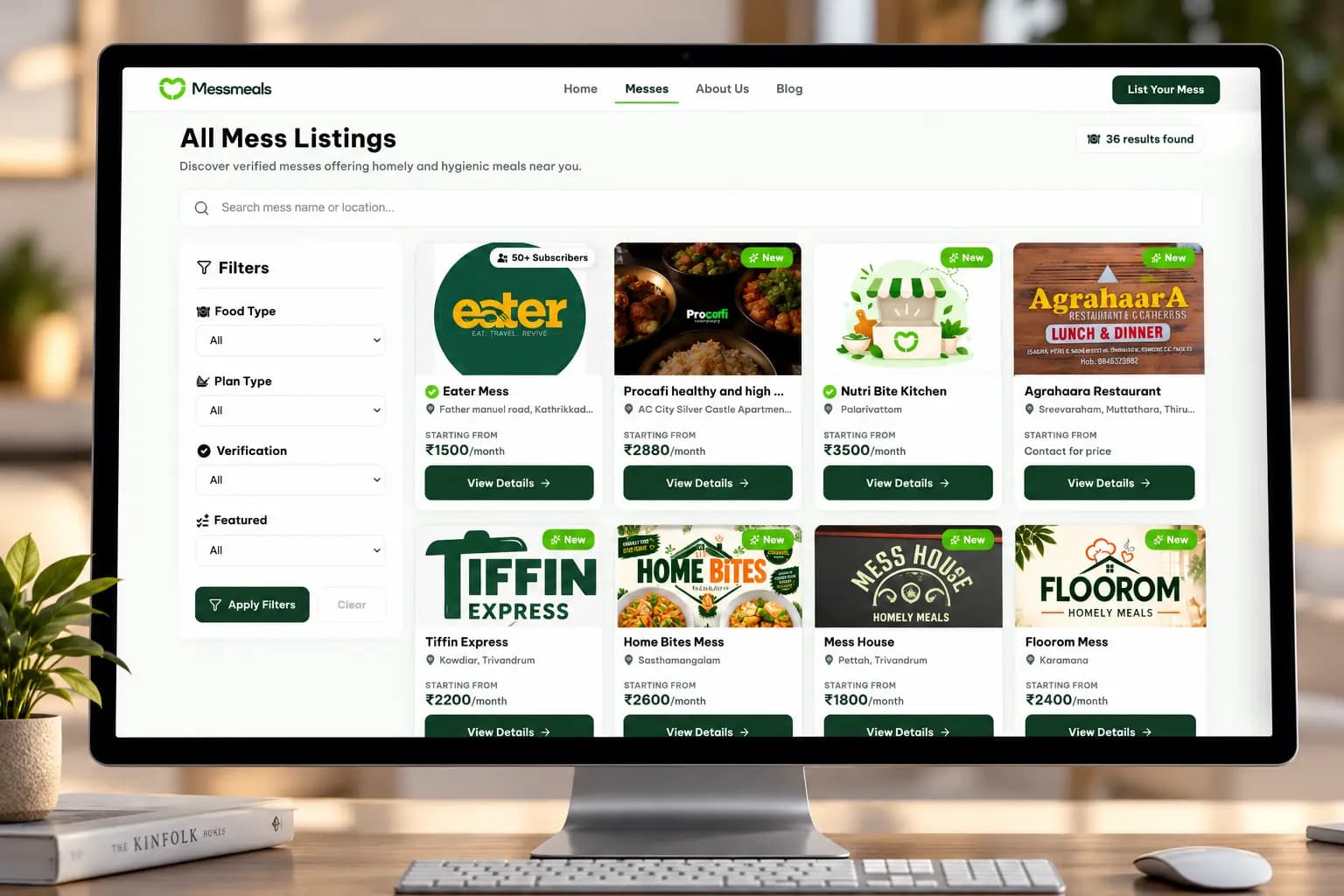
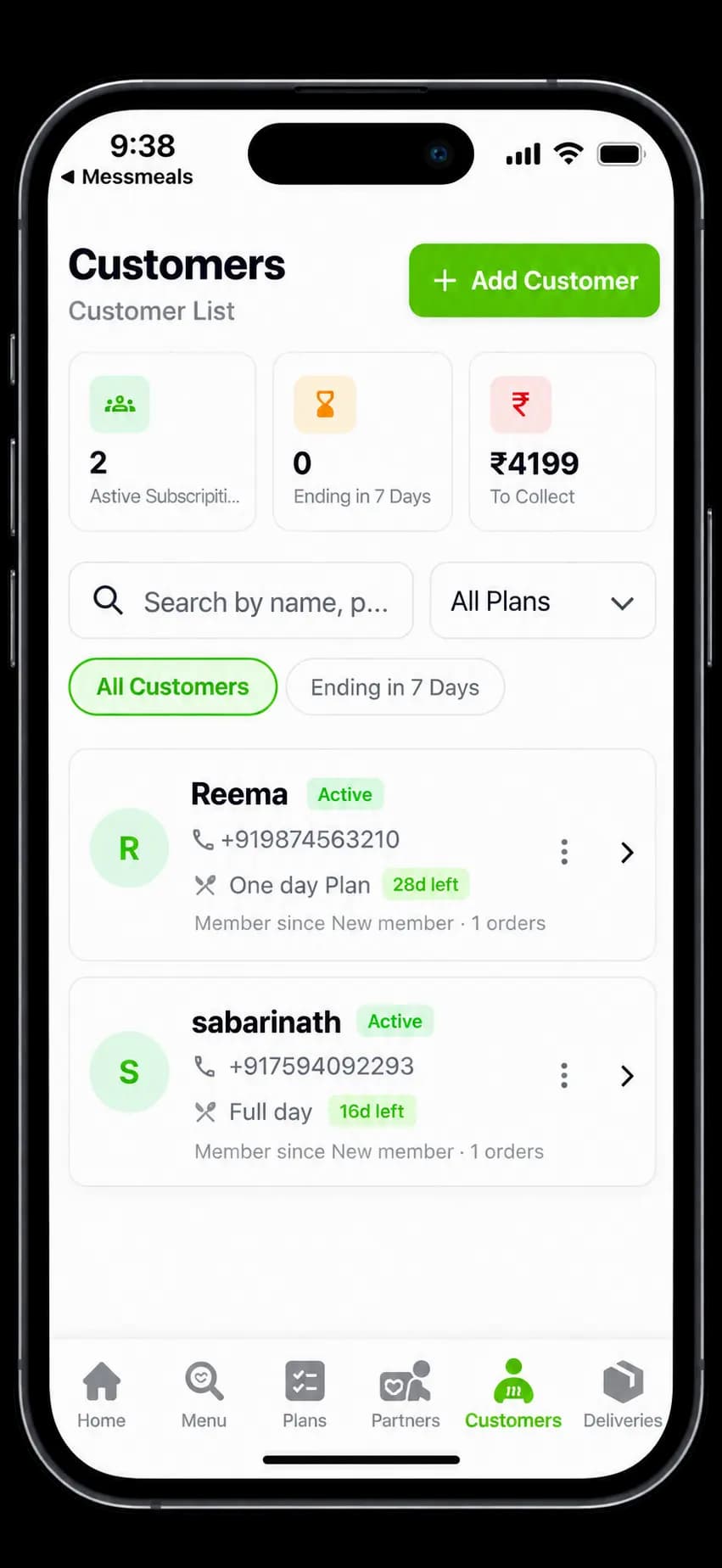
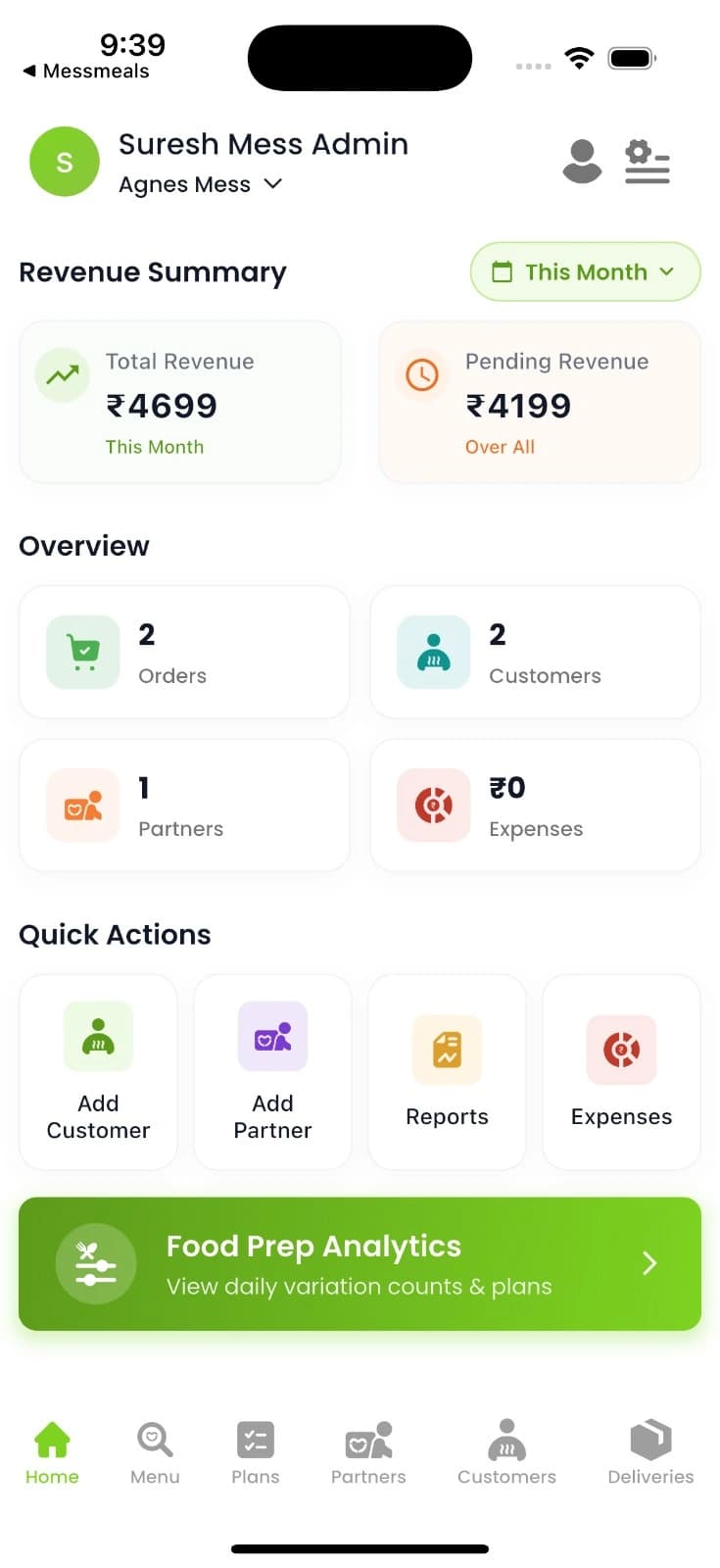
MessMeals Admin puts the whole mess business in one pocket-size app.
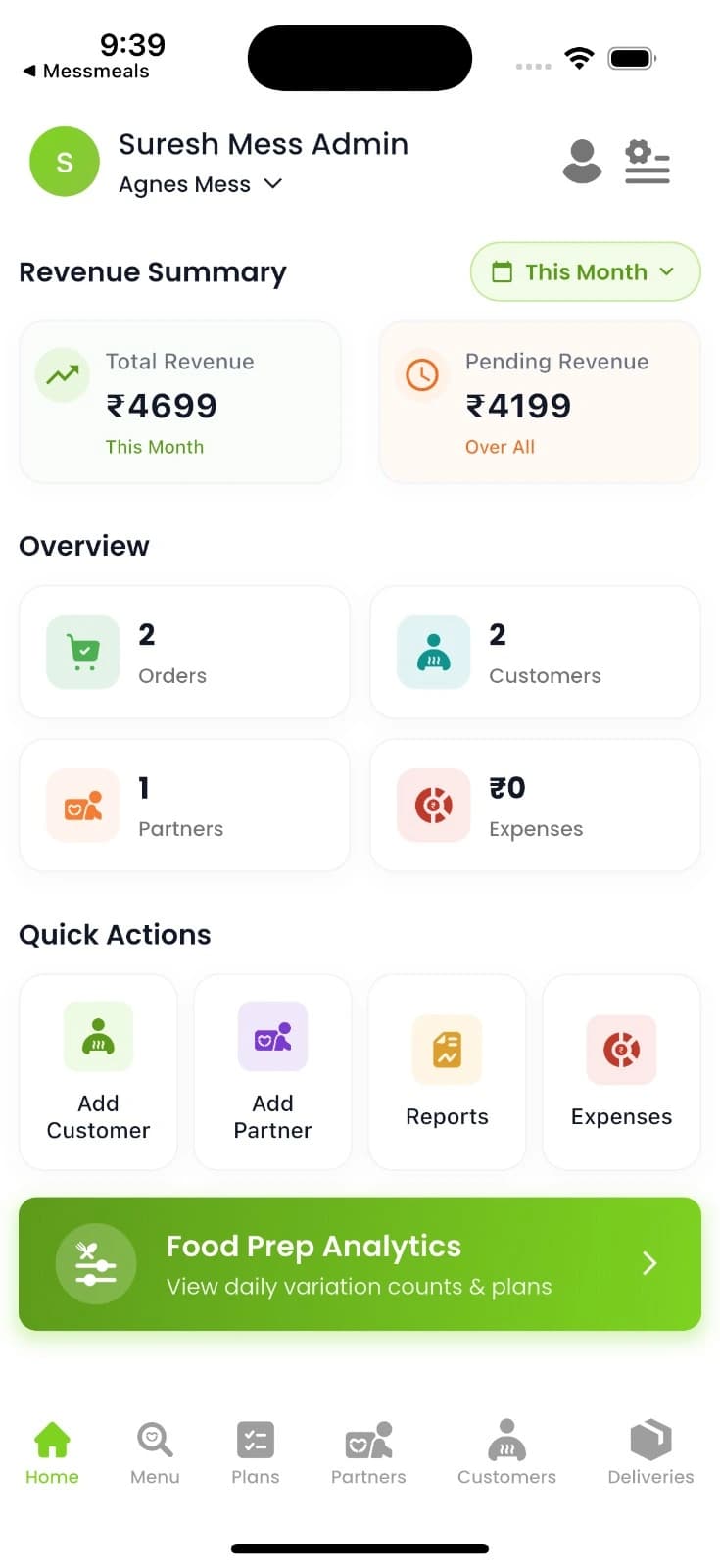
Four steps each, kept short on purpose.
Search by location and browse verified messes nearby.
Check meals, prices and reviews side by side.
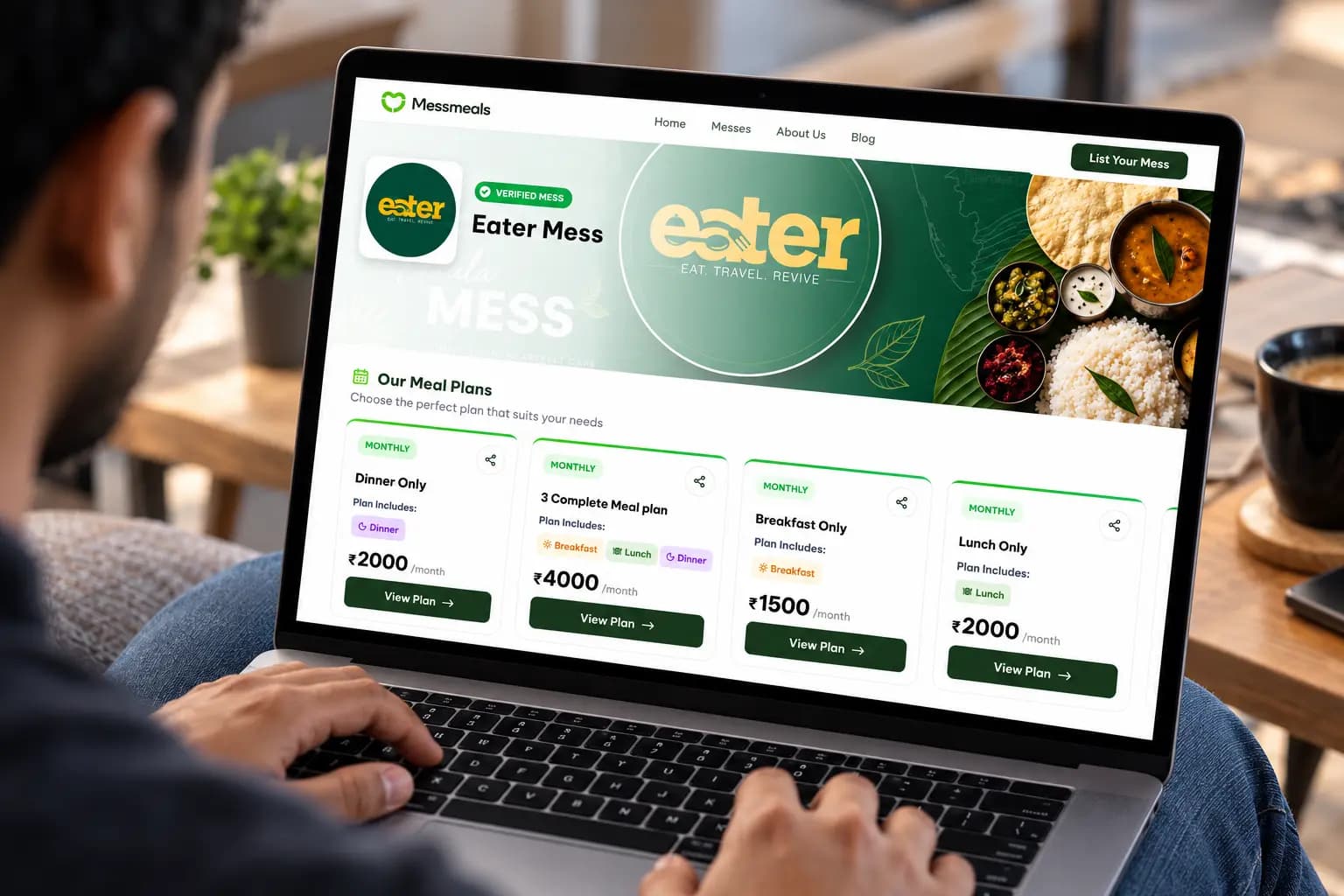
Choose daily or monthly, one meal or all three.
Get your meals and manage your plan from your profile.
Add your mess details and location.
Create meal plans and set pricing.
Bring customers and delivery partners on board.
Follow orders and see how the business is doing.
Everything an owner needs to manage and grow a mess, without switching tools.
Add and manage every mess from a single account.
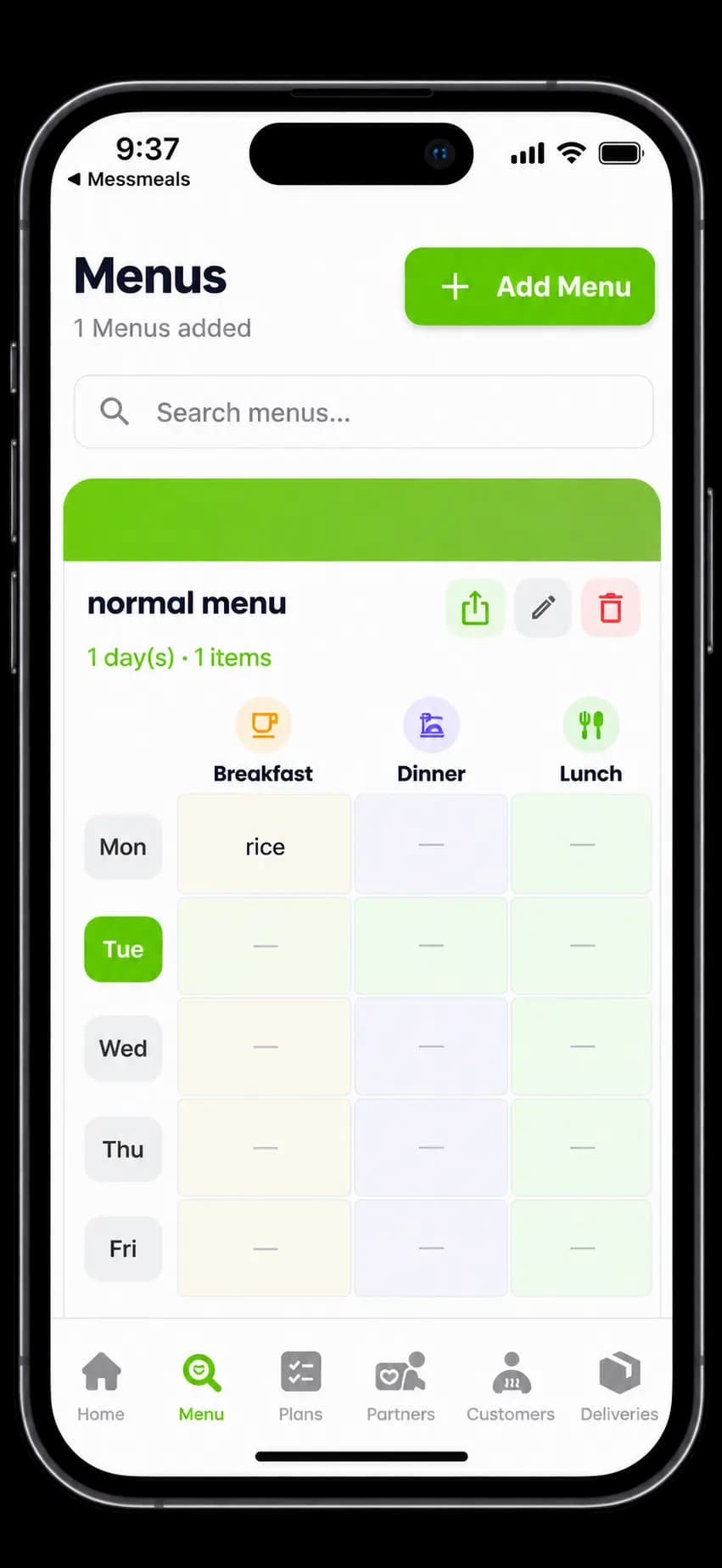
Create and update menus, set meal plans and pricing.
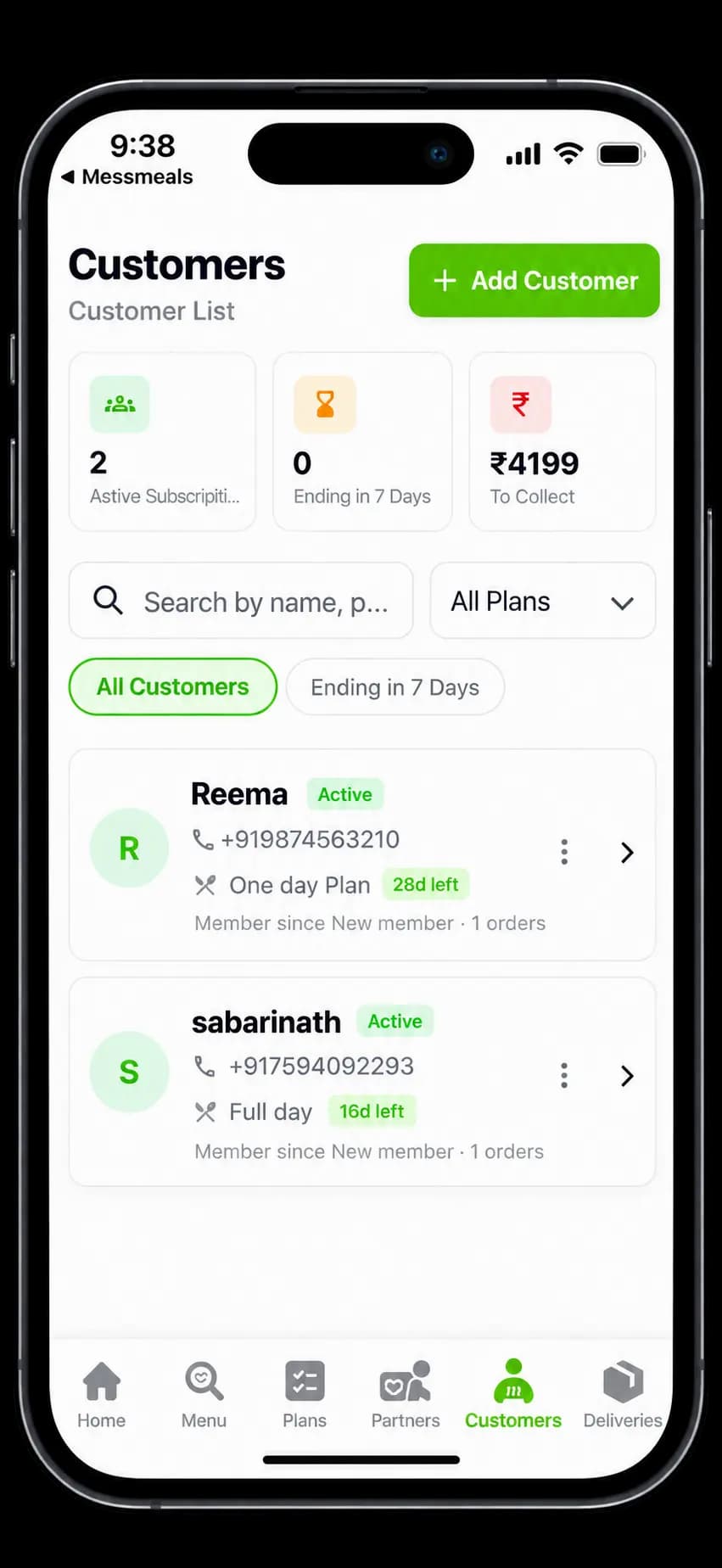
Add customers, track orders and manage wallets.
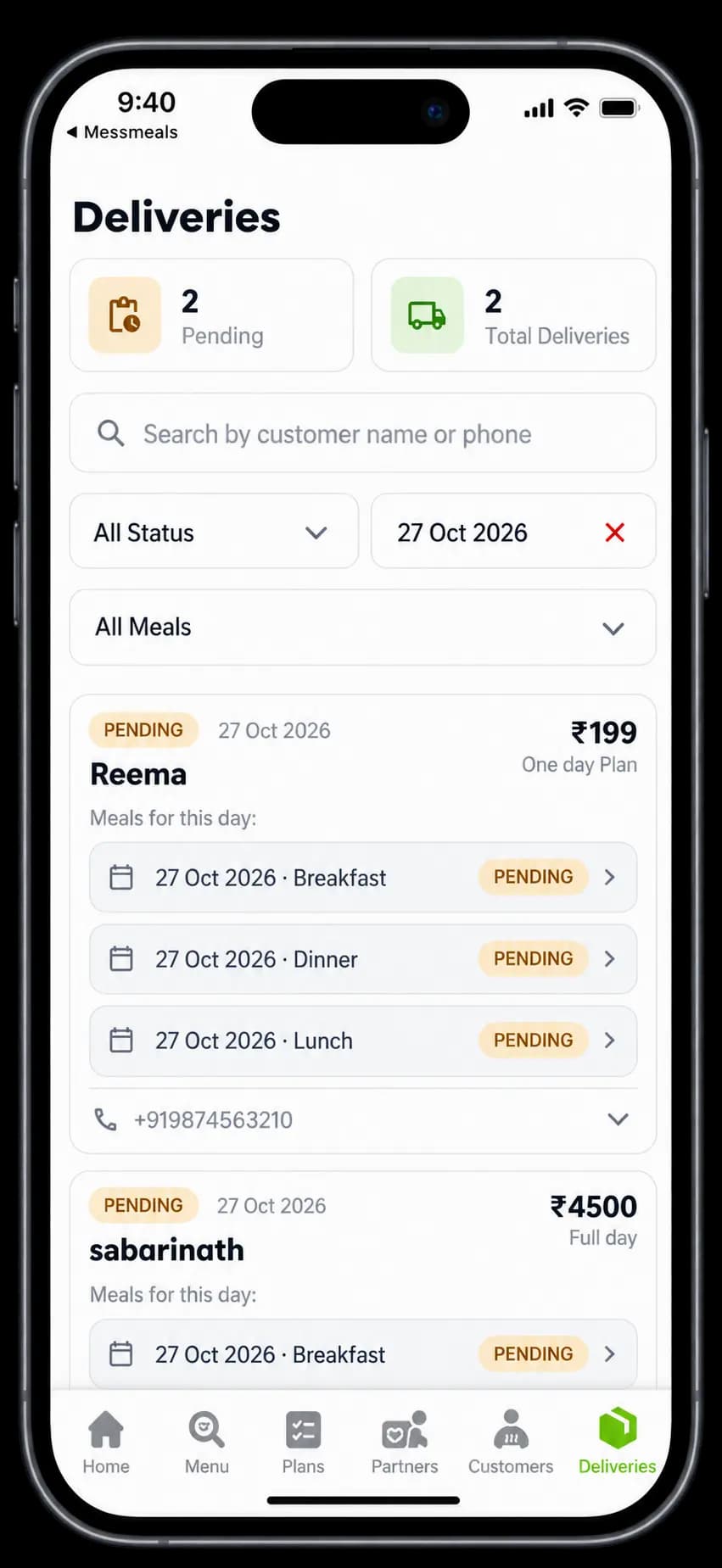
Add partners, assign deliveries and filter delivery records.
See earnings, orders and business numbers at a glance.
Create offers that bring more customers to the table.
The customer website first, then the admin app.
Deep forest for headings and structure, fresh green for the actions that matter, and soft mint for quiet areas.
#1C3A1C#55C500#2E7D32#EAF7E5#FAFCF9#F3F6F2#101C10#617061#E3EAE1#18864B#F59E0B#DC3B3BHeadings
Aa
Good food, closer to home.
Inter Bold
Body and interface
Aa
Compare meal plans, check the weekly menu and pick what fits your day.
Inter Regular
Interface pieces
The decisions that keep the pages fast, findable and usable on any device.
Server-rendered pages with their own titles, descriptions, canonical URLs and Open Graph data.
One breakpoint system across every page, with grids built so they cannot overflow.
Accordions are real buttons with aria-expanded, keyboard support and visible focus.
Questions about mess food and meal plans are marked up as FAQ content so they can appear in search.
Short answers about finding a mess, choosing a plan and running one with MessMeals Admin.
MessMeals helps customers discover local messes, compare daily and monthly meal plans, and book or enquire about everyday food options near them.
Enter your city or locality in the search area and choose your food preference or meal plan type. Then browse available messes, compare their plans, and open a listing for details.
Yes, where monthly plans are available. Open a mess listing to check the meals included, price, plan duration and current availability.
No. Delivery, pickup and service areas depend on the individual mess. Check the listing or contact the mess before booking.
Yes. You can add and manage multiple messes from a single account, with each mess's customers, plans, menus, orders and deliveries in one place.
Yes. It can be downloaded from the Google Play Store and the Apple App Store.
Explore the website, or download MessMeals Admin to manage your mess today.